Doc no. SK-404DatasheetRev 2026.11Sheet 2.9 of 4
mc-server-manager
One command and a terminal dashboard to create, run and back up Minecraft servers on your own machine. It never deletes a world.
Active
Source on GitHub
$ mc create survival --loader fabric
Block diagram
Characteristics
| Loaders | Creates Fabric, Quilt, NeoForge, Forge, Paper and vanilla servers in one command, fetching the matching Java runtime |
|---|---|
| Supervision | Runs each world in a named tmux session or Docker container, backed by launchd (macOS) / systemd (Linux) auto-restart |
| Mods & packs | Searches and installs Modrinth mods with dependency resolution; mc mods doctor catches conflicts and wrong loaders |
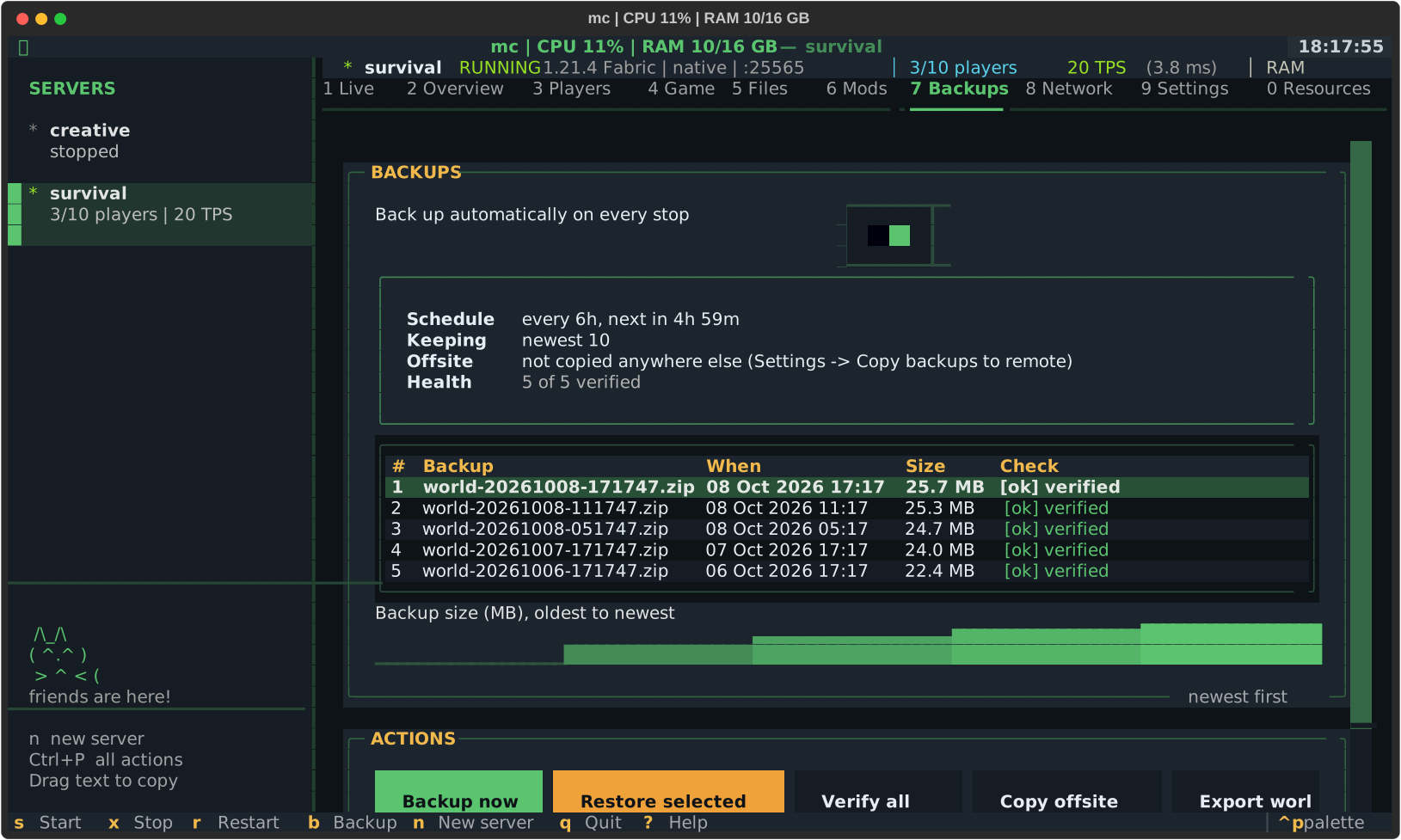
| Backups | Writes verified world archives with retention rules; restores preserve your existing world rather than overwriting blindly |
| Networking | Supports LAN, SSH/VPS deployment (mc deploy) and optional isolated ProtonVPN port-forward container |
Overview & build notes
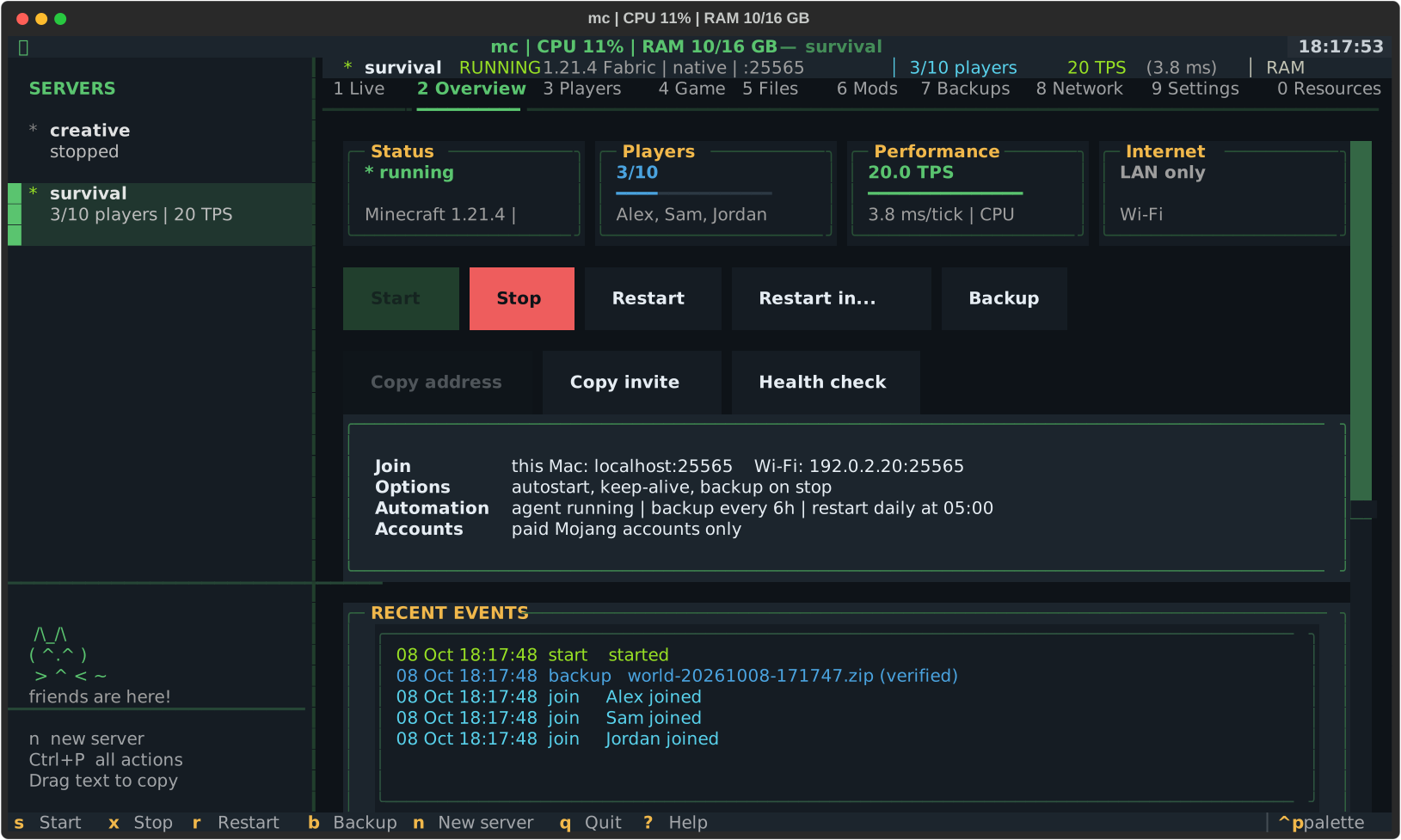
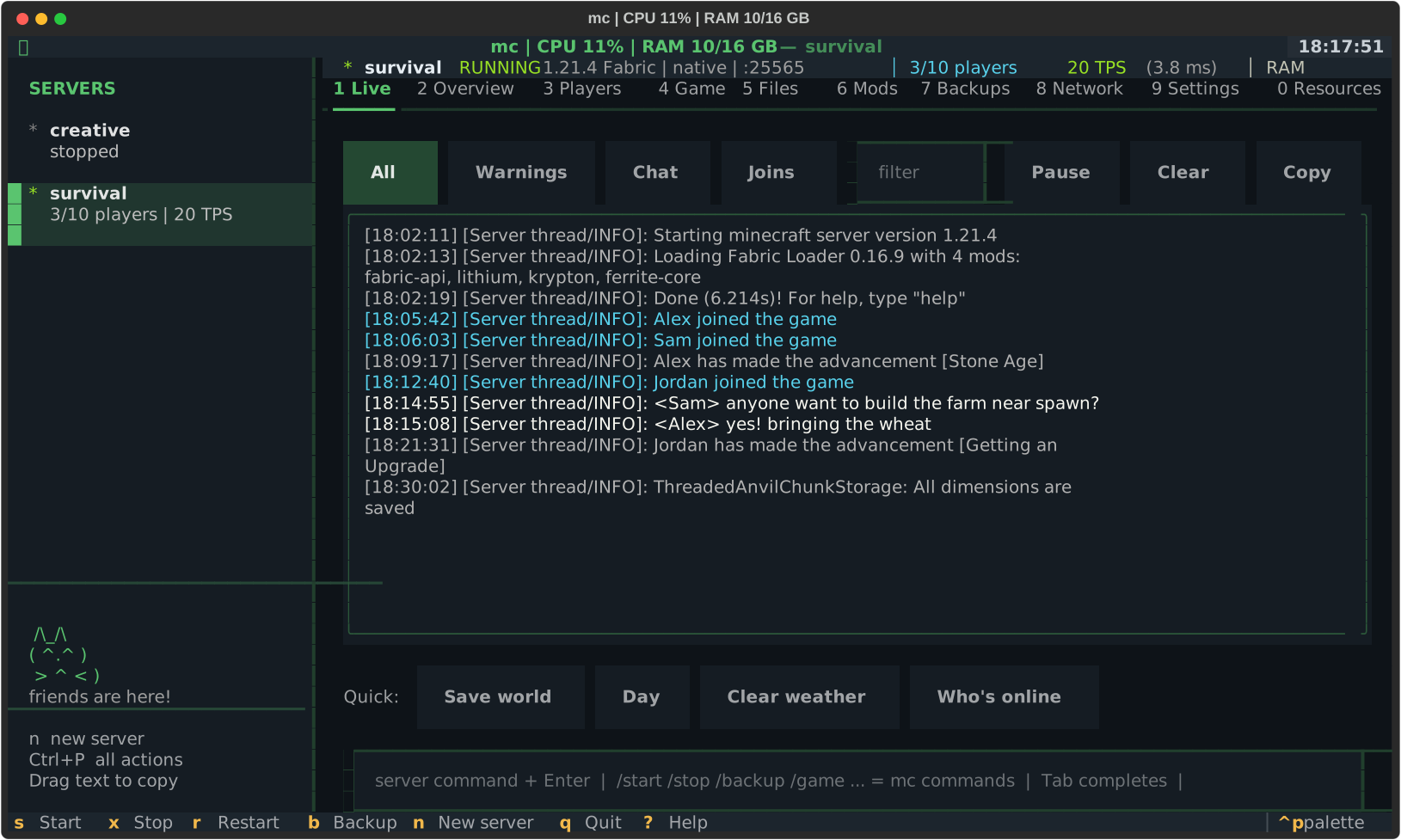
mc manages the entire lifecycle of self-hosted Minecraft worlds on macOS or Linux without fragile shell snippets. Running mc opens a full-screen Textual TUI showing TPS, player roster, console logs, mod conflicts and backup state; every action is also available from direct subcommands.
Each server lives cleanly in its own folder with an instance.json descriptor, automated pre-upgrade snapshots (mc upgrade) and RCON hooks for countdown warnings before restarts.
mc doctor inspects JVM args, open ports, server tick health, backup integrity and mod JAR metadata, while mc support redacts tokens, passwords and IP addresses before copying diagnostics.
Figures & renders
Files & artifacts
| Kind | File | Details | Size |
|---|---|---|---|
| Docs | COMMANDS.md | Full CLI reference for server lifecycle, Modrinth mods, backups and networking | 13 KB |
| Docs | DOCKER.md | Containerized server runtime and isolated VPN port-forwarding guide | 18 KB |
| Source | mc/ | Typer CLI and Textual TUI package on GitHub | GitHub |
| Setup | install.sh | Creates an isolated Python environment and links mc onto PATH | GitHub |